Tropical Royale Drop Spot Picker
Plan your Tropical Royale landing before you queue.
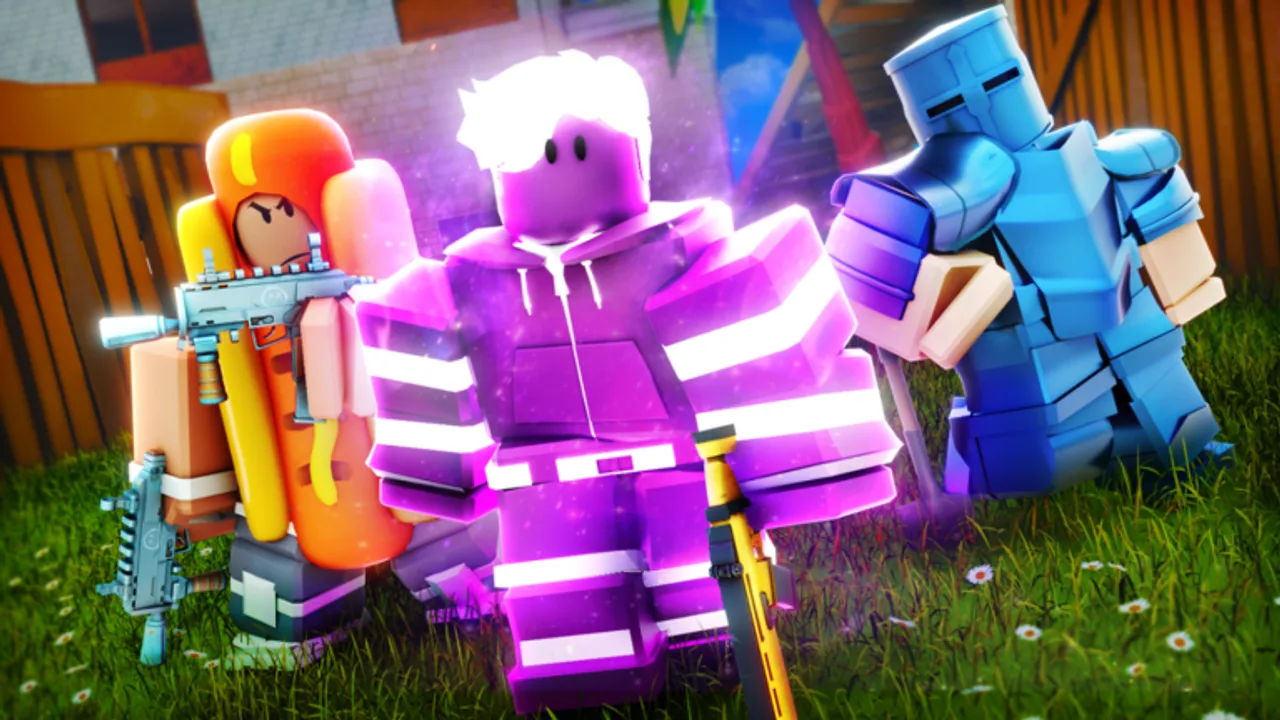
Random drops waste Tropical Royale matches. You spawn with a plan, hit a POI that does not match your mood, die off spawn, and queue again frustrated. The Drop Spot Picker fixes the planning gap — a legitimate wiki tool that works alongside Map & Drops Guide without scripts or executors banned under Scripts Hub.
What this tool does
The picker lists major island POIs with short tags:
- Hot — high contest, fast loot, aim practice
- Safe — edge spawns, slower gear, placement focus
- Mid — balanced risk for learning rotations
- High — vertical sniper angles
Tick any combination, use preset buttons, and Copy plan to clipboard. Paste into notepad, Discord squad chat, or phone reminders before launching Tropical Royale on Roblox.
How to use the interactive picker
Scroll to the tool below and follow this loop each session:
- Decide session goal — warm-up eliminations, Tropical Bucks placement grind, or squad split.
- Click a preset — Hot drops for Harbor Town + Market District style fights; Safe loot for Shipwreck Cove farming.
- Manual tweak — add Palm Cliffs if your loadout includes sniper from Loadouts Tier List.
- Copy plan — one click puts bullet list text on clipboard.
- Queue and commit — unless bus path makes a spot impossible, stick to the plan for accurate review.
Tick the spots that match your playstyle, then copy a short opener plan for your next match.
Select at least one drop spot to build your plan.
Reading preset tags
Understanding tags prevents mis-clicks:
| Tag | Meaning | Example POI |
|---|---|---|
| hot | Many players landing | Harbor Town |
| safe | Low early contest | Shipwreck Cove |
| mid | Moderate | Lagoon Resort |
| high | Elevation fights | Volcano Ridge |
| loot | Chest density focus | Market District |
Cross-reference full POI paragraphs in Map & Drops when learning a new spot.
Solo vs squad planning
Solo: Pick one primary and one backup POI along bus path — if primary is contested, glide to backup.
Squad: Assign roles — one tick hot for early eliminations, others tick safe with shared rotate meeting point. Share copied plan in Tropical Royale Discord voice or text.
Mode-specific picker use
Classic Battle Royale — favor safe + mid when grinding top-five Bucks from Tropical Bucks Guide.
Ultimate Endless Casual — hot + high spots pay off in longer sniper lobbies — see Game Modes.
After you land
Picker plans are pre-game only. In-match adapt using Building Guide and How to Win. If storm pulls away from picked POIs, harvest on rotate instead of forcing hero fights.
Tool vs cheat comparison
Scripts offering ESP show enemies through walls — bannable. This tool only documents your intent on paper. Developers SirSkittles and Mewious ban exploiters; they do not ban players who thought about drops in a browser.
Review loop
After five matches with copied plans:
- Note death locations vs picks
- Adjust hot/safe ratio
- Sync weapon choices from Weapons Tier List
- Read Changelog if POI loot shifts
Platform notes
Use picker on phone browser while Roblox installs updates. Console players can plan on mobile web before Xbox or PS5 sessions — binds from Controls still apply.
Economy tie-in
Safe plans raise placement → more Bucks → cosmetics in Cosmetics Catalog. Hot plans raise eliminations during events from Updates Hub. No Codes Hub shortcuts exist currently.
Related pages
Tools Hub, Guides Hub, How to Play, Tier List Hub.
Example copied plan
A sample output after selecting hot POIs might read: “Opener: Harbor Town primary, Market District backup. Goal: shotgun plus AR, 300 wood minimum before first rotate. Avoid Volcano if bus path south.” Paste variants like this into squad chat so teammates do not drift to unrelated POIs mid-drop.
Review plans post-match — if backup POI saved you twice, keep it in rotation; if never used, replace with a mid-loot option from Map & Drops to simplify decisions.
Frequently Asked Questions
Quick answers to the most common questions.
Does the picker show live bus paths?
No. It plans intentions — adjust in-air when the real path differs.
Can I save multiple plans?
Copy each plan to notes — the tool resets on page refresh.
Is Hot drops preset right for beginners?
Only after How to Play basics — start Safe loot first.
Will POIs update in the tool?
Yes when Map & Drops guide syncs after patches.
Does copying plans break Roblox rules?
No. It is external planning text only.