Tropical Royale Guides
From first drop to victory royale — every mechanic explained.
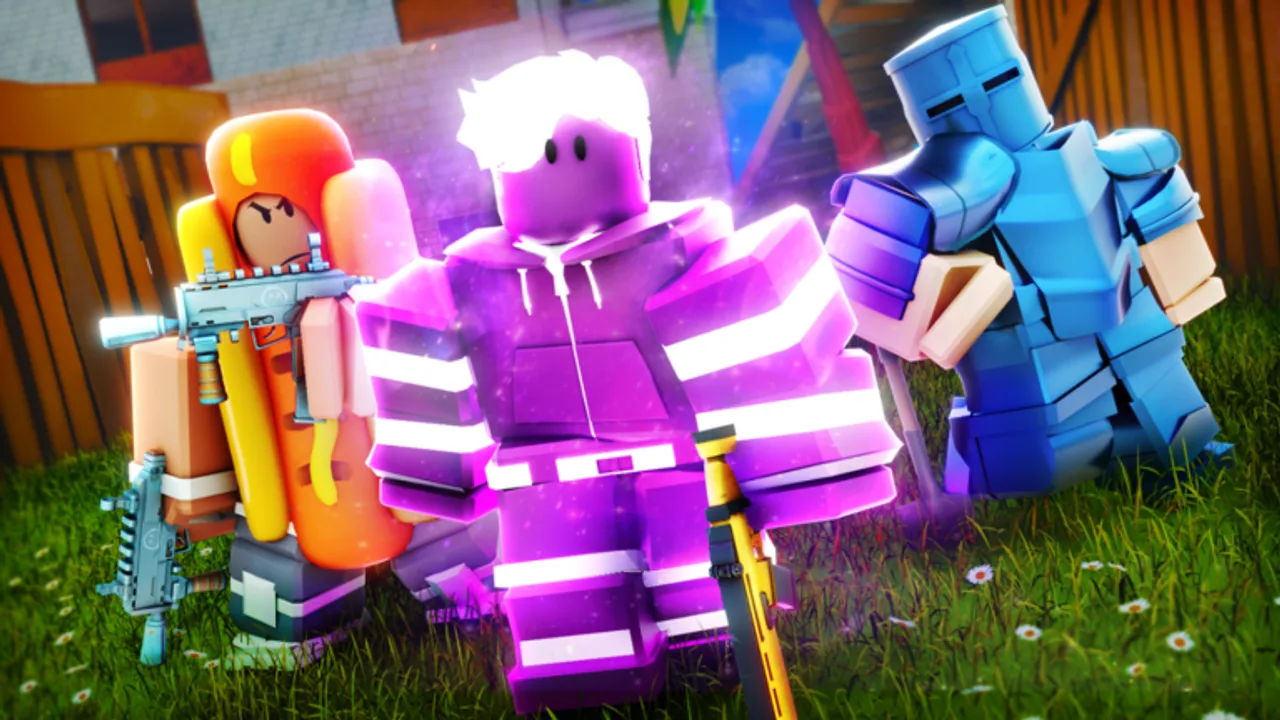
Tropical Royale is a Roblox battle royale shooter created by SirSkittles and Mewious, released July 25, 2022 on place ID 10351562025. You drop onto a tropical island, loot weapons, harvest materials, build cover, and fight until one player or squad remains. With roughly 49.9 million visits (~86.8% rating) and strong community ratings, the game rewards players who understand its building-heavy gunplay across Desktop, mobile, Xbox, and PlayStation 5.
This hub collects every in-depth guide on the wiki. Whether you are learning your first match or refining endgame rotations, start with the topic that matches your question — then cross-link through related pages for full coverage.
Start here
New players should read these guides in order:
- How to Play Tropical Royale — lobby flow, first drop, looting, and storm basics.
- Controls & Keybinds — platform-specific inputs for PC, mobile, and console.
- Game Modes Explained — Classic Battle Royale vs Ultimate Endless Casual.
- Map & Drop Spots — where to land for hot fights or safe loot.
Improve your win rate
Once fundamentals feel comfortable, shift to competitive topics:
- How to Win — endgame positioning, third-party timing, and loadout discipline.
- Building Guide — ramps, boxes, edits, and material conservation under fire.
- Tropical Bucks Guide — earn and spend currency efficiently.
Platform, review, and advanced topics
After fundamentals, expand into specialized guides:
- Ultimate Endless Casual Guide — longer matches, loot pacing, and when to queue Casual over Classic.
- Mobile & Console Guide — touch, tablet, Xbox, and PS5 settings plus sensitivity tips.
- Tropical Royale Review — pros, cons, performance, and Fortnite-style Roblox BR comparison.
- Ultimate Red vs Blue Guide — team mode rotations, callouts, revives, and loadout roles.
- Mobility Guide — Jetpack and Grappler Gun gamepass positioning and Robux value.
Connect to other hubs
Guides reference data from across the wiki:
- Weapons Tier List ranks guns for current meta picks.
- Loadouts Tier List bundles weapons with mobility tools.
- Weapons List catalogs every gun with role notes.
- Drop Spot Picker Tool helps plan your next opener interactively.
- Codes Hub tracks promo status — currently zero active codes.
- Updates Hub, Changelog, and Tournaments document patches and competitive play.
- Red vs Blue Guide covers featured team rotations.
- Endless Casual Guide, Mobile Guide, Review, and Mobility Guide cover platform and mode depth.
Official resources
Confirm patch timing on the official Roblox page and join the Tropical Royale Discord for live events. This wiki is fan-made and not affiliated with the developers, but we align facts with official sources and in-game testing.
Fair play reminder
Exploiters are banned from Tropical Royale. Stick to legitimate skill growth documented in these guides rather than scripts or executors covered under our Scripts Hub.
Session planning checklist
Before queueing, run through this sixty-second checklist:
- Confirm mode — Classic for standard BR pacing or Casual for extended practice.
- Open Drop Spot Picker if you tend to panic-drop.
- Verify gamepass loadout in Gamepasses Overview if you paid for Robux upgrades.
- Skim Changelog if Roblox showed an update badge today.
Returning players after a break should re-read Weapons Tier List — silent AR nerfs change which ground loot you keep after first chest.
Frequently Asked Questions
Quick answers to the most common questions.
Which guide should I read first?
Start with How to Play, then Controls and Game Modes. Add Map & Drops before pushing ranked-style win grinding.
Do guides cover console?
Yes. Controls & Keybinds includes Xbox and PlayStation notes alongside PC and mobile.
How often are guides updated?
We revise guides after major patches listed in the Changelog, especially when weapons or storm rules change.
Are there promo codes in these guides?
No active codes exist right now. Use the Tropical Bucks guide for legitimate earning paths.